Cloudways Review: Best for Growing WordPress Sites?
Verdict: Cloudways is a strong fit for WordPress publishers who have outgrown basic shared hosting and want control over cloud resources without managing a raw server. Choose Cloudways Flexible when server choice, multiple applications, staging, backups, and vertical scaling matter. Choose a simpler shared host for a first low-traffic site, or a fully managed premium host when you want the provider to own more of the WordPress support boundary.
Commercial disclosure: this review contains affiliate links. If you subscribe through one, the site may earn a commission at no extra cost to you.
Evidence standard: product model, features, and pricing were checked against Cloudways’ official pages on July 17, 2026. This update does not claim a new controlled load test, uptime study, or support-ticket benchmark. Performance depends on provider, region, server size, application, cache, database, CDN, and traffic.
Cloudways in one minute
| Best for | Growing WordPress sites, publishers with several sites, and teams that need more server control than shared hosting |
|---|---|
| Skip if | You want the simplest beginner setup, included domain/email, or provider-managed WordPress application support for every plugin issue |
| Hosting model | Managed layer over selected cloud infrastructure; Flexible and Autonomous product lines |
| Current entry point | Cloudways’ official pricing page showed Flexible DigitalOcean options from $11/month at verification |
| Billing | Monthly/hourly options vary by plan; backups, premium support, CDN, bandwidth, or autoscaling can add cost |
| Key controls | Server/app management, staging, backups, SSL, firewall, caching, scaling, and migration tools |
Check current Cloudways plans and regional pricing
What Cloudways actually is
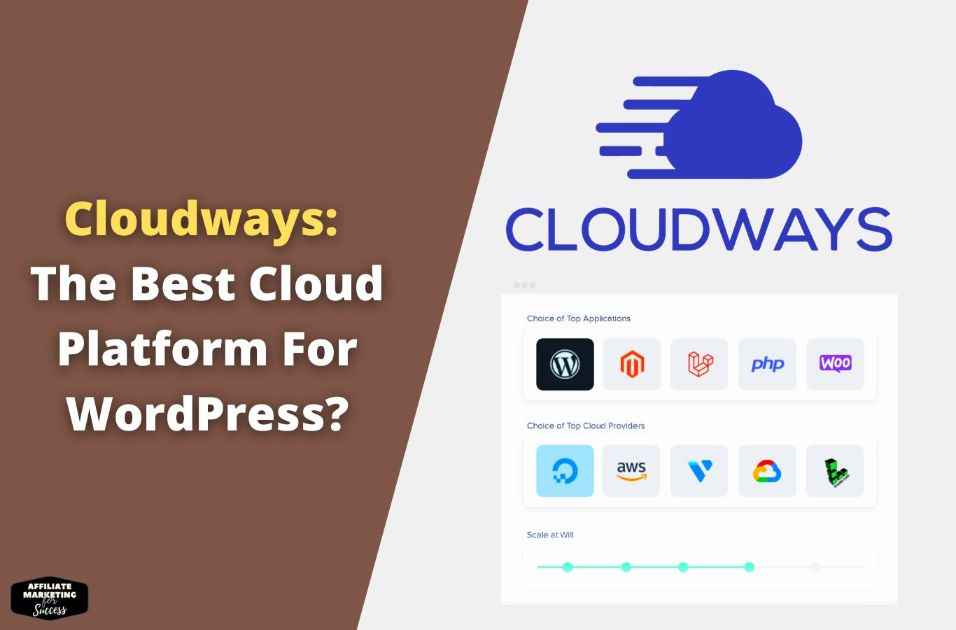
Cloudways is not conventional shared hosting and it is not the same as renting an unmanaged VPS directly. The Flexible product lets you choose infrastructure and resources while Cloudways provides a control layer for deployment, caching, backups, security controls, scaling, and support. The Autonomous line is a more hands-off, autoscaling WordPress product with its own plan structure.
This distinction affects the buying decision. Flexible gives more control and can host multiple applications within server capacity, but the publisher still owns WordPress configuration, plugin quality, and much of application performance. Autonomous costs more and is designed for dynamic traffic and autoscaling.
Cloudways pricing: read the full workload cost
The official Cloudways pricing page showed Flexible DigitalOcean plans from $11 per month when checked. That number is a starting configuration, not a universal recommendation. Select resources from measured CPU, memory, disk, bandwidth, PHP-worker, and database needs.
Budget for items that may sit outside the headline server price:
- off-site backup storage;
- Cloudflare Enterprise or other CDN/add-on choices on applicable plans;
- premium or advanced support;
- bandwidth, disk, or autoscaling charges on applicable products;
- email hosting or transactional email services;
- migration work beyond any included allowance.
Verify current inclusions and renewal/usage terms at checkout. Do not cite a temporary promotion as the normal price.
Features that matter to affiliate publishers
Application and server separation
Multiple WordPress applications can share a Flexible server within its resource capacity. This can lower portfolio overhead, but one noisy site can affect others. Revenue-critical properties may justify isolation.
Staging and cloning
Cloudways documents staging and cloning tools. Use staging for theme, PHP, plugin, schema, and conversion changes. A staging button is not a deployment process by itself: maintain backups, define what gets pushed, and verify cache, forms, analytics, and canonical URLs after release.
Backups
Automated and on-demand backups are included as platform capabilities, with off-site storage pricing documented separately on current plans. Test an actual restore before treating a backup as reliable, and keep an independent backup for high-value sites.
Caching and performance controls
Current plans document server-level caching, Redis options, and the new NGINX-based Lightning Stack on applicable configurations. These tools can reduce work, but stacking a second page optimizer, several cache plugins, and edge HTML caching can create stale content and difficult invalidation. Use one documented cache owner per layer.
Security boundary
Cloudways lists SSL, firewall, vulnerability, malware, and DDoS-related controls depending on the product and add-ons. Hosting controls do not replace WordPress maintenance, least-privilege access, application updates, protected backups, and incident procedures.
Who should choose Cloudways
- A publisher whose shared plan shows sustained server response, CPU, or memory constraints.
- A portfolio owner who can manage application updates and wants consolidated infrastructure.
- A technical marketer who needs staging, SSH/WP-CLI, resource scaling, and server-level controls.
- A site with campaigns or seasonal demand that has a measured scaling plan.
Who should skip Cloudways
- A first-time WordPress owner who wants domain, email, and simple application support in one beginner product.
- A publisher unwilling to monitor resource use, caching, backups, and plugin behavior.
- A business expecting the host to debug every theme, plugin, tracking, or custom-code problem.
- A low-value site where extra operational control will not change speed, reliability, or revenue.
Cloudways alternatives by need
| Need | Consider | Why |
|---|---|---|
| Simplest first WordPress site | Bluehost | Bundled beginner setup; compare renewal and included limits |
| Managed shared WordPress step | SiteGround | Simpler managed environment; verify term and renewal pricing |
| Premium hands-off WordPress operations | Kinsta | Managed WordPress product with usage-based plan boundaries |
A reproducible pre-migration test
- Record 28 days of traffic, revenue, uptime, server response, Core Web Vitals, and resource usage.
- Clone the same site and database to the candidate Cloudways configuration.
- Match PHP version, cache rules, CDN state, image behavior, and third-party scripts.
- Test the same five templates from the same regions: homepage, hub, article, comparison, and conversion page.
- Run uncached and warm-cache tests, a controlled concurrency test, and an admin/editor workflow.
- Check forms, affiliate redirects, analytics, consent, schema, canonicals, robots, sitemaps, and scheduled tasks.
- Calculate full monthly cost and staff time, then migrate only if the evidence supports it.
Pros and cons
Pros
- More infrastructure control than typical shared hosting.
- Choice of cloud providers and regions on Flexible.
- Staging, backups, scaling, SSL, and caching controls in one management layer.
- Hourly/monthly resource model on applicable plans.
- Can support multiple applications within server capacity.
Cons
- More operational responsibility than beginner hosting.
- Headline server price may not include the complete production stack.
- Email and some premium services are separate.
- Application-level support boundaries can disappoint users expecting full WordPress development help.
- Performance is configuration-dependent; the brand name alone does not guarantee Core Web Vitals.
Final recommendation
Cloudways is a sensible growth host when current measurements show that shared infrastructure or limited controls are blocking performance and reliability. It is not an automatic upgrade for every affiliate site. Start with the smallest configuration that passes a representative workload test, document caching, and scale from observed resource pressure.
Review current Cloudways pricing and start options
Compare the full shortlist in Best WordPress Hosting for Affiliate Sites.

Alexios Papaioannou is the founder and lead editor of Affiliate Marketing for Success. He focuses on affiliate marketing systems, SEO, content strategy, monetization design, and the impact of AI-driven search on publishers. Editorial background, disclosure standards, and correction policy are documented on the site’s About Alexios and Editorial Policy pages.